Plan · 5 min read
Start a new school year
Create the new year and bring forward only the pieces that should continue.
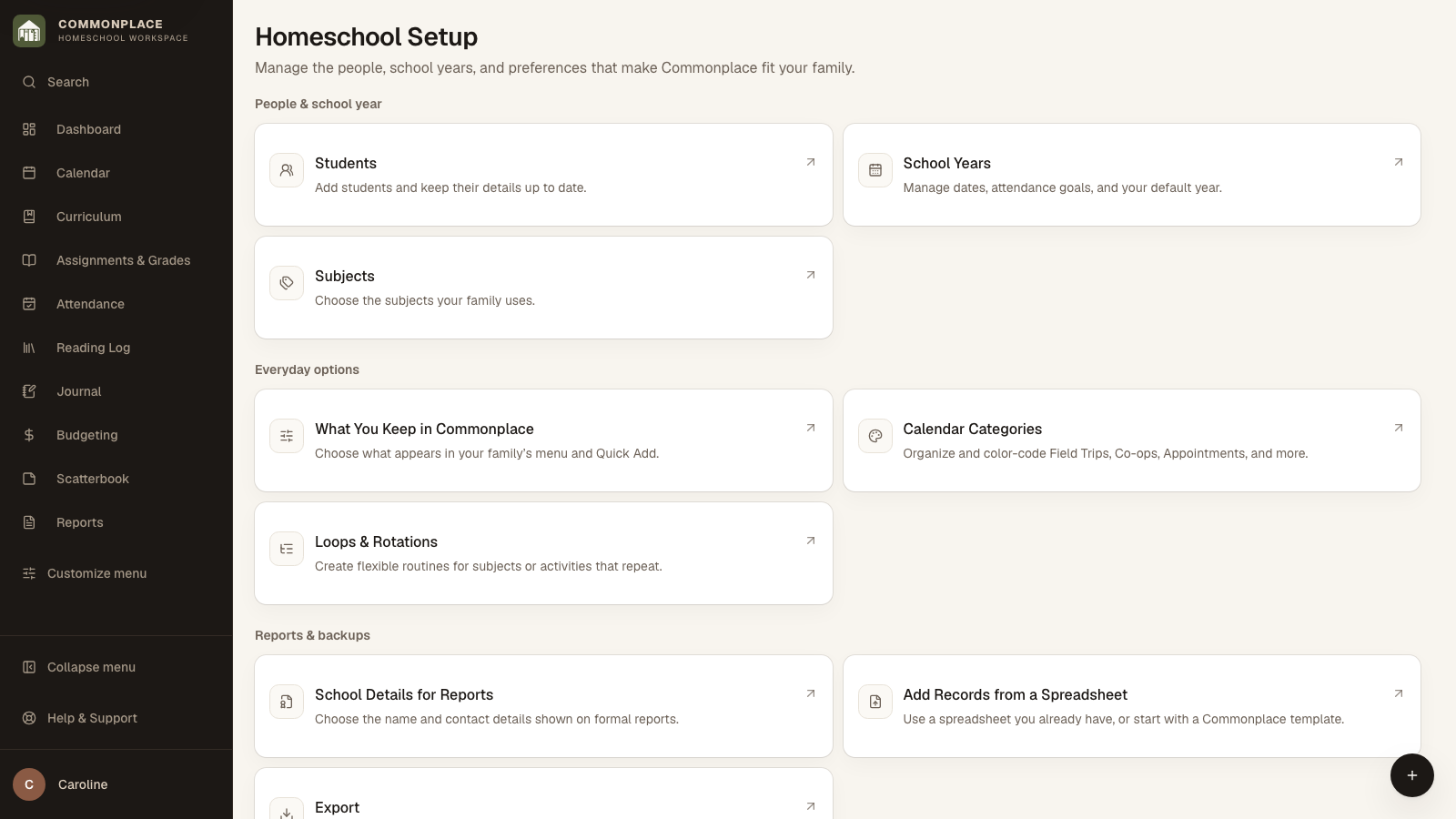
Open this area in CommonplaceSchool years stay separate so attendance, grades, books, budgets, and reports remain accurate. When you create a new year, Commonplace can carry forward useful setup without moving the old year’s finished records.
- 1
Add the new school year
Enter the name, start and end dates, attendance method, and goal. Mark it as the current year when you are ready to use it by default.
- 2
Choose what should continue
Choose whether to copy active course setup, the grade scale, and attendance goals from another year. Course copies keep their names, schedules, grading choices, credits, and descriptions, but start in progress without old assignments or grades.
- 3
Review copied courses
Open the courses you carried forward and adjust weekdays, Time of Day, term, grade level, titles, credits, or descriptions for the new year.
- 4
Keep the old year available
The previous year remains in filters and reports. You do not need to archive or delete it to begin the next one.
- 5
Keep using family-wide setup
Students, subjects, curriculum, loops, rotations, and dashboard choices already belong to the family, so they remain available without being copied.
- 6
Change visible sections if needed
A new year does not reset What You Keep in Commonplace. You can change those family-wide choices separately at any time.