Plan · 7 min read

Organize curriculum

Track resources by student and subject, with schedules and linked courses when useful.

Open this area in Commonplace

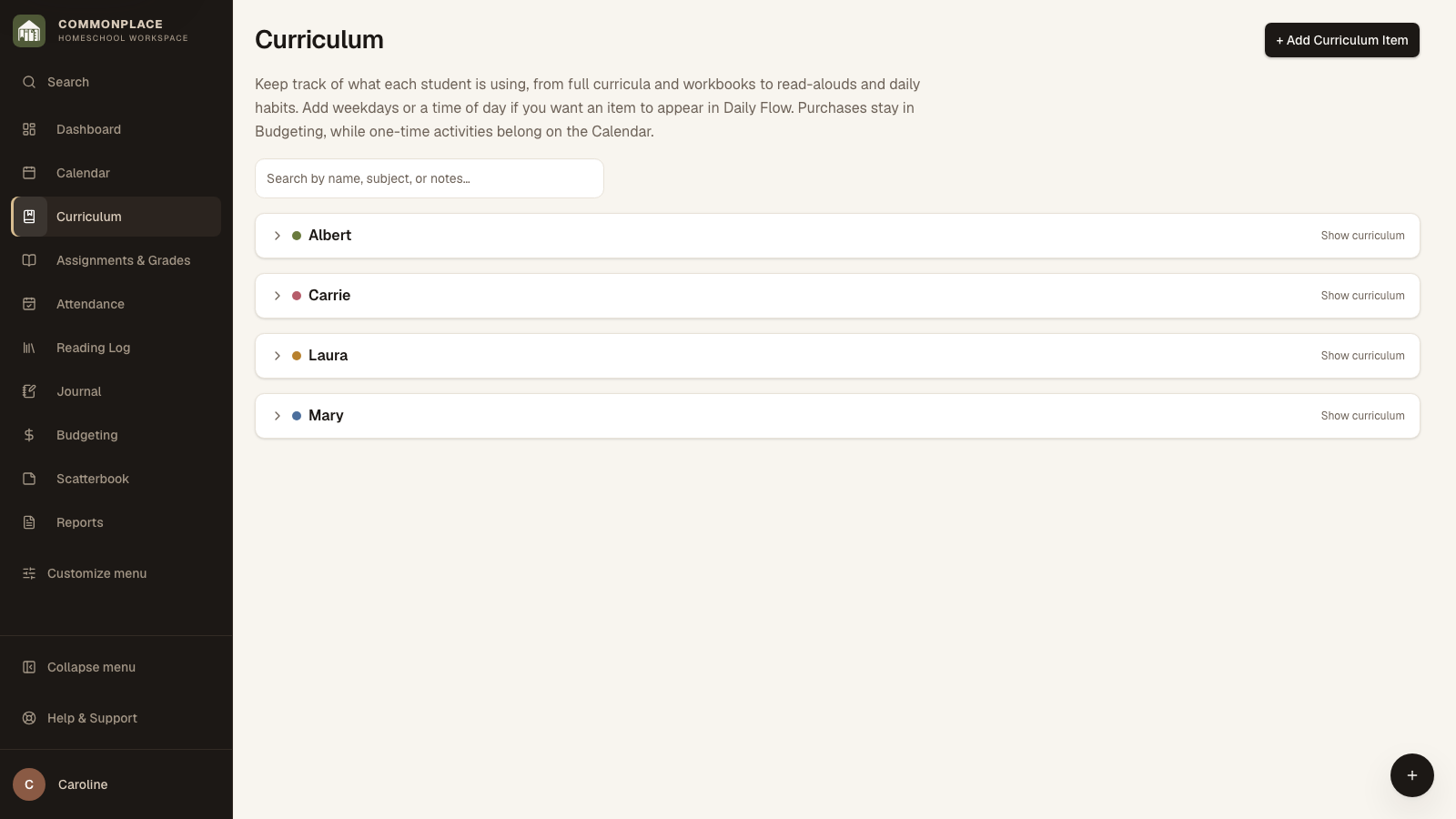
Curriculum is the catalog of books, programs, websites, and other resources you plan to use. A resource can stand alone or connect to one or more graded courses.

32 seconds · No sound needed

One course, several resources

Attach an additional resource to an existing course, keeping one set of assignments and grades.

Read the video captions
  1. Keep several resources with one course.
  2. Choose another book, notebook, or program.
  3. Link it to the course you already have.
  4. Your assignments and grades stay together.
  5. The resource is also kept in Curriculum.
  6. Commonplace · Homeschool workspace
Commonplace curriculum page for the fictional Ingalls family
Fictional family data shown.
  1. 1

    Add a curriculum item

    Choose its student, subject, and name. Use the role to distinguish a primary program from a supplement, reference, or other resource.

  2. 2

    Add dates and schedule

    Select at least one Show on Daily Flow weekday when you want the resource in Daily Flow. Starting and ending dates limit the schedule; Time of Day only decides which part of the day it appears under.

  3. 3

    Connect a course when needed

    Create or link a course if you want assignments, grades, credits, or transcript details for this resource.

  4. 4

    Add descriptive details

    Save notes, course description, grade level, and primary-curriculum information that should feed later reports.

  5. 5

    Review by student and subject

    Use the grouped view to spot gaps, duplicate resources, or items that belong in a different subject.